

by Hictor, with Note from Doc
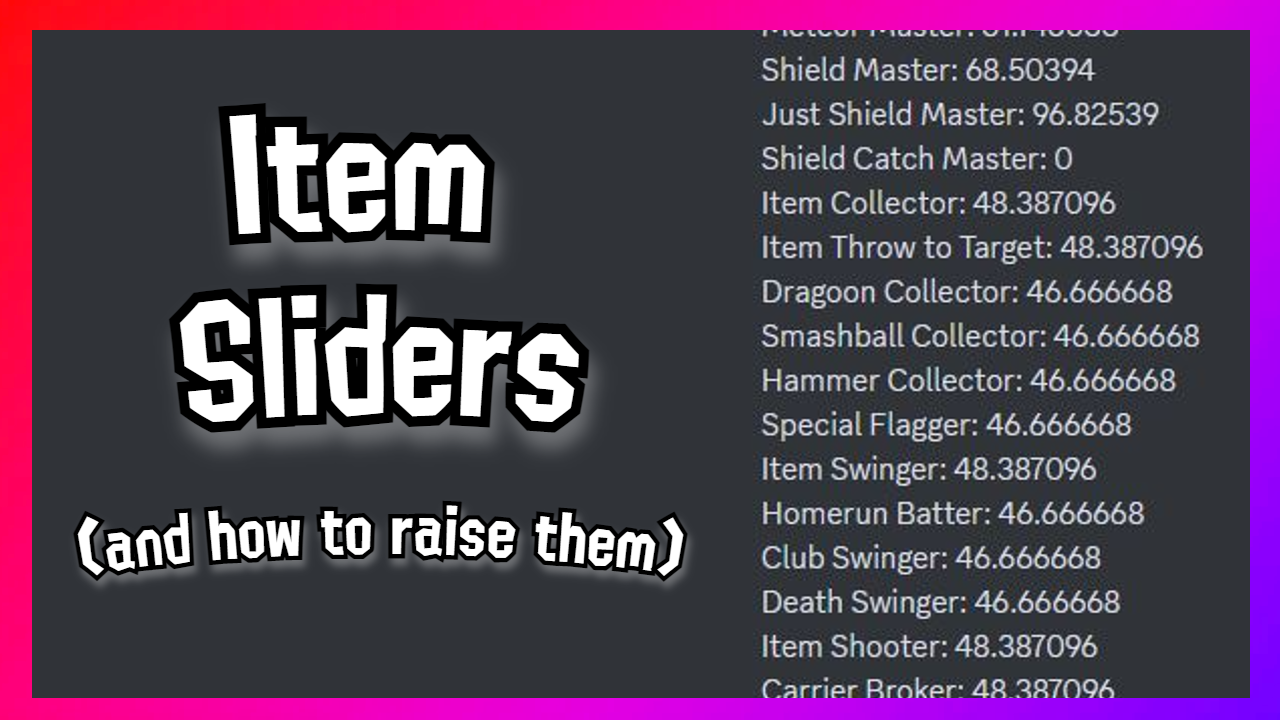
Doc Context: Hictor has been researching the effects of the heretofore unused values in amiibo data that pertain to items (“item sliders”). Hictor’s theory is that these item sliders affect behaviors not related to items, which is a theory that I believe to be true.
Some members of the community have raised the objection that there is no way to alter item sliders on an amiibo without modifying the data externally, which is considered cheating. This is flatly untrue. Hictor has written this explanation post to put this objection to bed permanently, and the following content is Hictor’s words as he gave them to me.

Amiibo Item Sliders are pretty simple to change. The only issue is how much time is needed to achieve this. There are two methods to achieve this in game and as long as it is done within the game there isn’t any reason for this to cause any alarm (unless you edit these values illegally). I will go through the two ways that you can get these.
#1: Item Sliders in Battle
Item Collector: This value goes up when you pick up an item; however, certain items that can be picked up aren’t going to raise item collector such as character specific items (minus Diddy Kong banana). Spawning in with items through spirits team will not raise this byte though as a side note. This value goes down whenever items despawn and aren’t picked up which can easily be done through custom stages.
Item Throw to Target: Raises when you toss an item in hand held at the Amiibo. If you toss it not in the direction of the Amiibo this slider will decrease.
Dragoon Collector: Raises when you pick up a dragoon piece. Best way is a 15-25 stock match. You essentially want to pick up two pieces of the dragoon and then SD. Repeat the process to increase to 100. If the pieces despawn this will lower the dragoon collector slider.
Smash Ball Collector: Breaking the real smash ball raises the smash ball collector slider while using the fake smash balls will lower the smash ball collector slider. A pretty straight forward once but takes awhile to raise.
Hammer Collector: Raises when you land a connected hit with the hammer. Will not go up at the same rate every time if you use moves in a match for some odd reason. Hammers despawning will lower the hammer collector slider.
Special Flagger: Using the special flagger will raise this slider. Letting them despawn will cause the special flagger slider to reduce as well as throwing it a bunch.
Item Swinger: Linked to every single item weapon. Even if it is a weapon that has a different slider such as club swinger, swinging the weapon will slowly raise the slider. Throwing the weapon will lower the slider (If you want to raise this slider without raising other sliders use the killing edge spirit).
Homerun Batter: Using the strong attack will cause the slider to raise especially on kill. Keep in mind smash charger will go up but oddly will not charge smash attacks much (needs to be explored more with multiple characters to be absolutely sure but so far this is the case). Lower this slider by throwing the bat.
Club Swinger: Using the Ore Club and swinging it with the strong attacks and regular attacks will raise the club swinger slider. Throwing it will simply lower this slider (There is a three slot spirit for this by the way).
Death Swinger: Using the Death Scythe to attack will cause the slider to go up. Throwing it will lower the death swinger slider (There is a one slot spirit for this by the way).
Item Shooter: Will raise when you use items like super scope, rage blaster, ray gun, ect; landing the shots will especially cause the slider to go up along with Feint Shooter. Throwing the item in hand with ammo in it will cause this slider to go down.
Carrier Broker: Linked to a few things and is a weird slider. Containers are linked to raising this if you pick them up. Breaking containers or z dropping certain items in hand like the weapons will raise carrier broker.

#2: Item Sliders with Spirits
All in all, these sliders have some overlap when you try to raise and decrease some of them and it takes awhile to change them around. Keep in mind it is easier to use spirits to raise item sliders and try lowering them vs raising and lowering each by hand sometimes (but not always).
Spirits is another great way to raise sliders too. Some honorable mentions are: Phantom Thieves, Hero’s Comerades, Mew, and Super Happy Tree. (Especially spirits that lead into the gen group, (Versatile, Tricky, Technician) and dyn group, (Laid Back, Wild, Lively) are heavily linked to item values.

 Amiibo Doctor