

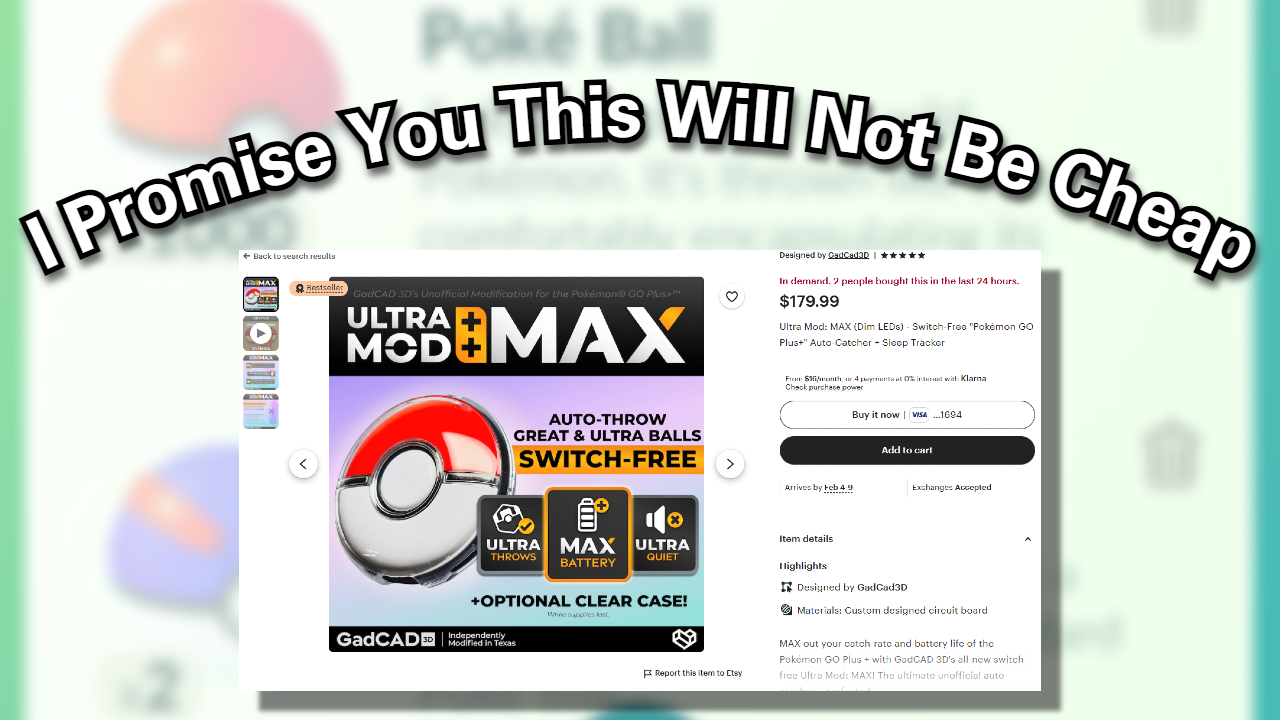
by Doc – Owner, Founder, Pokemon Go Isn’t Fun Without an Autocatcher
I’ve used every autocatcher under the sun from the Codejunkies’ original autocatcher, the “Gotcha”, to the modern and best stuff out there. There’s a lotta good ones out there these days, but if price isn’t a concern then you really only have one option: a modified Go Plus Plus. These are typically custom-made and only available on Etsy, and their price has shot up from about $120 when I bought mine two years ago to now $180, and I expect they’ll keep rising as the supply of unmodified Go Plus Plus devices dries up. Let me explain how autocatchers work, and why you want this one specifically.
Pokemon Go’s app only allows for two types of autocatcher: the Go Plus, and the Go Plus Plus. (Yes, it’s a stupid name.) The Go Plus lets you use Poke Balls to catch Pokemon, spin stops normally, and the device it’s intended for is just a little pin with a button on it that you click all the freakin’ time if you’re playing the game as intended. It’s not efficient nor is it engaging. So basic autocatchers, which encompasses nearly everything available on the market, can only use this very low-level functionality. They all spoof the app to think they’re just a Go Plus that presses the button constantly.
The Best Autocatcher
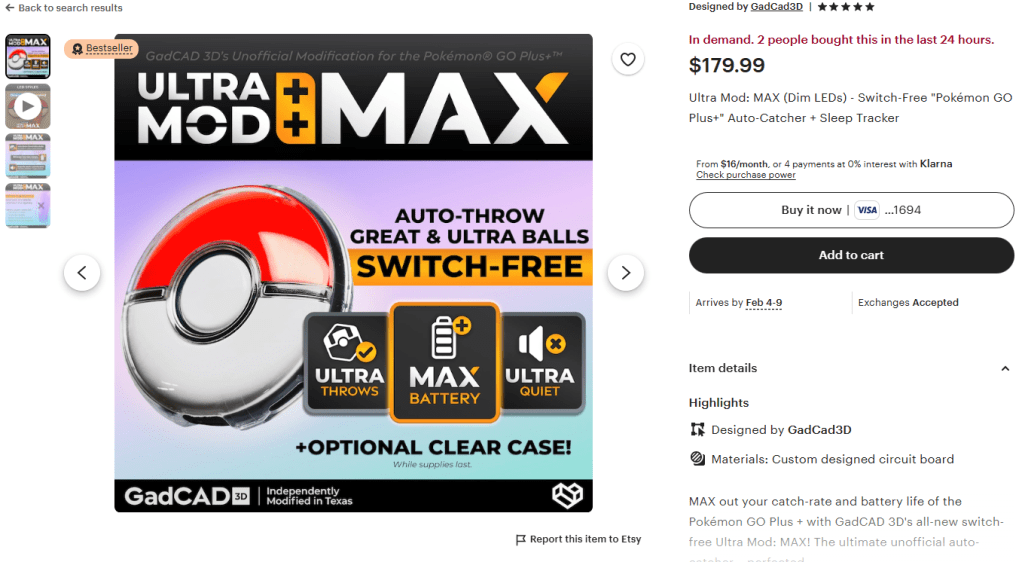
This is currently the only Etsy shop I can find that sells these.
The second tier is the sweet, sweet tier that frankly changes the entire way you play Pokemon Go, the Go Plus Plus tier. Niantic made it so that if you bought the Go Plus Plus you’d be able to use Great Balls and Ultra Balls by pressing the button, and it would natively autocatch Pokemon with regular Poke Balls. Naturally, hardware modders made it so that the Go Plus Plus button is basically always being held down, so you effectively have an autocatcher that can use Great Balls and Ultra Balls as well. To my knowledge, the only way to get that second tier of autocatcher is by modifying the hardware of a Go Plus Plus. The cost of the hardware mod is typically a solid $80, but the cost of the hardware itself is actually much higher. And yes, it’s basically all from a single Etsy store (the one I linked you earlier) so if that guy quits… we’re screwed.
Update: He quit, but another shop opened. Crisis averted… for now.
So if you’re really trying to get the best available autocatcher out there, you don’t have any other choice besides buying a hardware-modded Go Plus Plus, at least until someone figures out how to clone the Go Plus Plus completely so that the Pokemon Go app doesn’t recognize the difference and we no longer have to scrap existing Go Plus Plus devices to make mods.
The Duomon 3 Pro
Update: Duomon reached out to me, as you can see in the comments below, and sent me a Duomon 3 Pro. I accepted the autocatcher on the condition that I post my honest, unimpeded thoughts on the product as far as autocatchers go, so here’s my thoughts on that.
As of 2026, there’s still no substitute for a Go Plus Plus’ ability to automatically use Great and Ultra Balls. The first company to figure out how to emulate them in an autocatcher is going to make millions upon millions of dollars, as it’s been over a half decade since the Go Plus Plus came out, and supplies are basically gone everywhere, so we’re all stuck with only using Poke Balls in our autocatchers. I think that until we get to widespread Plus Plus emulation, there’s not really a way to improve autocatcher functionalities on any points other than making them cheaper.
While it’s not a Go Plus Plus, the Duomon 3 Pro is probably the best non-Plus Plus autocatcher out there at the moment. The battery life is perfectly fine, it can charge either through the provided smartwatch-style charging pad or through a USB-C port, and it does contain two individual autocatcher devices in case you’re one of the few Pokemon Go players with friends. It’s small, relatively easy to set up and keep going once you’re going, and the sound and lights can be turned off. Most autocatchers try to be cheap and skip out on the quality of life features like the sounds and charging methods, and because of Duomon’s pretty high price point they don’t have to. You’ll get your money’s worth with this, though I’ll admit that it’s a lot of money. These typically shoot for about $90, give or take.
Do be advised you’ll need the Duomon app to control most of the quality of life features, and for some reason the sounds can only be toggled off by navigating a button-press menu using the buttons on your Duomon and the manual that walks you through it. This may have been solved in firmware updates, but my Duomon is stuck with the firmware that it came with, as it refused the firmware updates each time I tried.


Hi Doc, great breakdown — we’re MEGACOM, the team behind DuoMon 3, Catchmon X, and Flymon. Noticed we didn’t make your list! We’d love to send you some units to test. Is there a way to reach you directly?
LikeLike
Hi – yeah, send me an email to amiibodoctor@gmail.com
LikeLike